Odoo CRM automation: build a reliable process for every inquiry
Start with the handoff that is failing
A new inquiry is useful only if someone knows it arrived, understands the context and owns the next action. When that information is scattered across inboxes and spreadsheets, opportunities can be delayed or overlooked.
Sales automation should make agreed steps happen consistently. It can create tasks, assign records, notify the right person and keep systems in sync. It still needs clear business rules and a team responsible for exceptions.
What Odoo can contribute
A pipeline that matches the real process
Define stages around observable progress, such as inquiry received, discovery completed, proposal sent and decision pending. Agree on the information needed to move between them. Avoid adding stages that no one can interpret consistently.
Shared context for the team
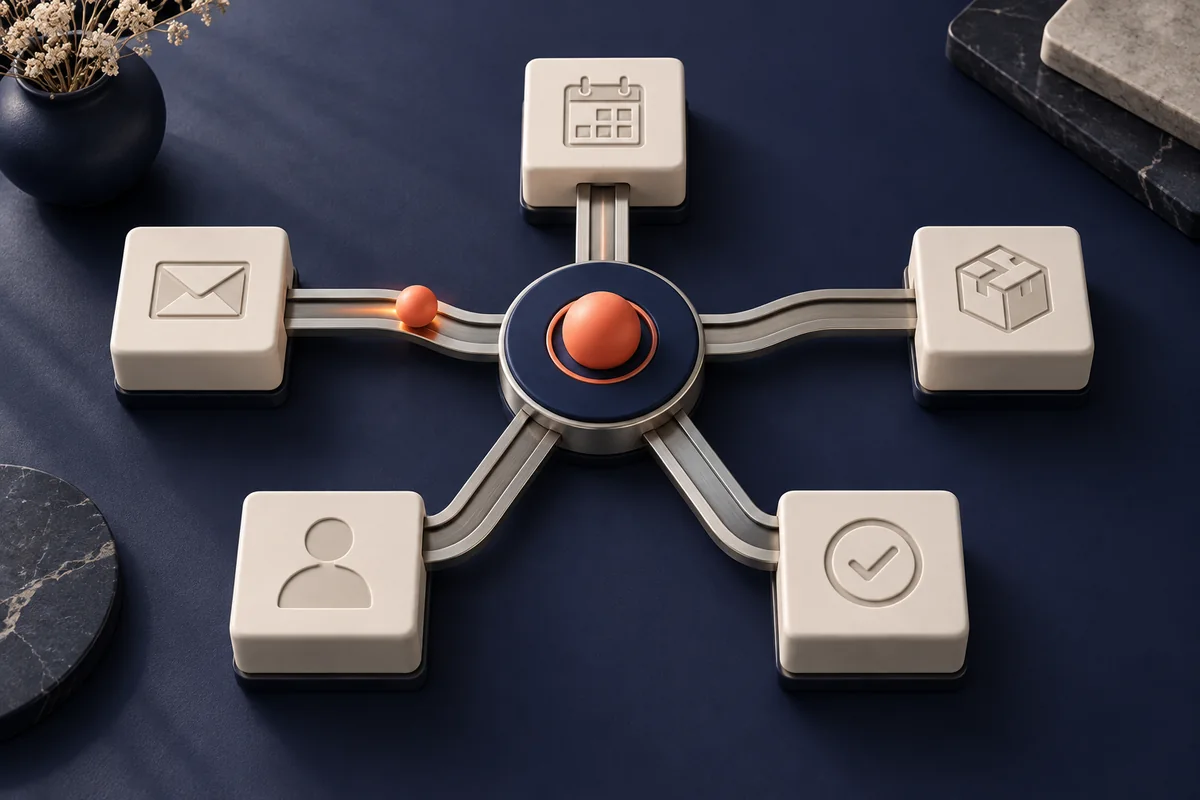
Plan how website forms, email, calendar events and other applications should connect to the opportunity record. Which messages are logged and which actions can be automated depend on the installed applications, configuration and permissions.
Automation with explicit conditions
Document each trigger, action, owner and exception. Some workflows can use native Odoo configuration; others need additional applications or an integration. Confirm the edition, hosting environment and available features before defining the solution.
Five workflows worth evaluating
- Incoming inquiries: create a record, assign an owner and schedule a follow-up activity. Validate required fields and handle repeated submissions.
- Inactivity reminders: alert the owner when an open opportunity has no next action within an agreed period.
- Longer-term follow-up: provide relevant information to people who have agreed to receive it, with a clear way to stop.
- Stalled opportunities: flag records that need a decision or additional support, using thresholds that fit the sales cycle.
- Post-project feedback: create a task to request feedback at the right moment. Publish a testimonial only with permission.
Build reliability into the integration
Decide which system owns each piece of information. Map fields, define duplicate handling and make failed transfers visible. A retry should not create another lead, another invoice or another message. Use a test environment and representative data before enabling workflows that contact customers.
Our work for BTAssist has included website redesign and Odoo integration with multiple applications. For BienCuidao, the scope has included website redesign and Odoo integration. Each project requires its own process mapping; these examples are not a promise of a particular numerical result.
Measure the effect on the operation
Compare response time, opportunities without an owner, overdue activities, duplicate records and time spent on manual entry. Then review qualified opportunities and sales-cycle progression. Establish a baseline instead of assuming a universal percentage improvement.
Explore our automation and Odoo integration service and how it connects with a website designed around the customer journey.
Editorial review by WebStudio Digital · September 24, 2026.
READY TO APPLY THIS IN YOUR BUSINESS?
Let’s talk about your project
Tell us what is happening in your business and what you want to improve. We will review the scope and the next step with you.