How to build a B2B website that supports qualified inquiries
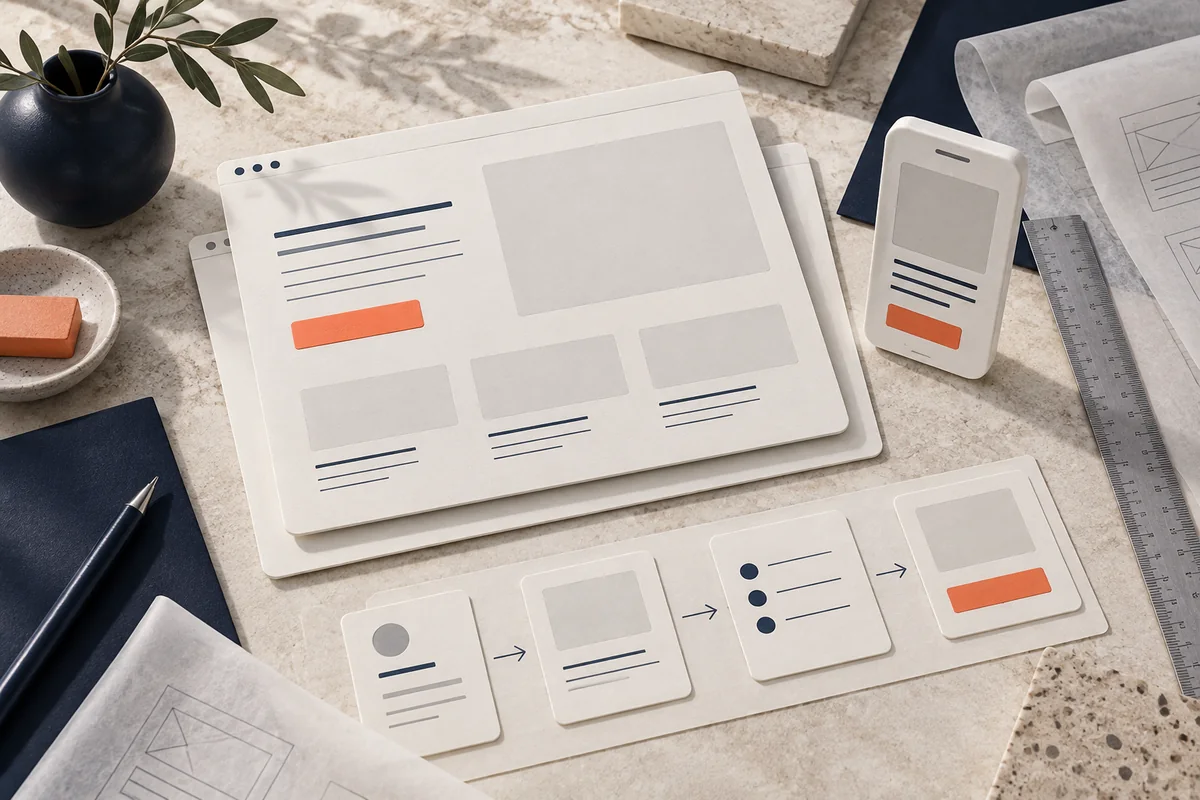
Make the website useful at the moment of a decision
A B2B website needs to do more than list services. A visitor should be able to understand the offer, judge whether it fits their situation and find an appropriate next step. Design, content and the process behind the form all contribute to that experience.
Start by looking at the questions customers ask before contacting you. Those questions are a better guide to the page structure than a collection of visual trends.
Give each type of page a clear role
- Discovery: articles and resources that answer relevant questions.
- Evaluation: service pages that explain scope, process, deliverables and fit.
- Decision support: documented work, authentic testimonials and practical FAQs.
Connect these pages with useful internal links. A reader should be able to move from a problem to a relevant service and then to a conversation without having to search for the next step.
Six elements to review
1. A clear opening message
Explain what you do, who it is for and how it relates to the visitor’s need. Avoid stacking broad promises above the fold. Make the main action visible and give the reader enough context to choose it.
2. Service pages with substance
Describe the work involved, what is included and the questions that affect scope. A buyer evaluating Odoo integration needs different information from someone commissioning a campaign landing page.
3. Appropriate calls to action
Offer a relevant next step. Some visitors need a project example before contacting you; others are ready to describe their requirements. Use labels that explain what happens after a click.
4. Forms connected to a real process
Ask for the information needed to start a useful conversation. Validate required fields, explain errors clearly and show a reliable confirmation. Define who receives the inquiry and how it enters the CRM. Test this handoff with controlled data before launch.
5. Evidence with a clearly stated role
Use real projects and authorized quotes. In our work, BienCuidao has involved website redesign and Odoo integration. Brisas Gardens and Brisas Capital Mall were delivered through BienCuidao as a technology partner. Stating that relationship accurately is part of building trust.
6. Performance and accessibility
Check loading, layout stability, keyboard navigation, contrast and mobile usability. Test the complete form and menu, not just a screenshot. Keep animations restrained and respect reduced-motion preferences.
Measure quality as well as volume
Define the website conversion rate as conversions divided by sessions or visits, multiplied by 100. Keep the denominator consistent. Then separate general inquiries from qualified opportunities and examine which sources contribute to real business conversations.
Use your own baseline rather than a universal percentage target. Changes in traffic source, service mix and market conditions can affect the result.
Redesign around the actual problem
Review the pages people use, the questions they ask and where the journey breaks down. Preserve useful content and working integrations. Plan URL changes and redirects before publication, then verify the live site on desktop and mobile.
Explore our web design service and how it connects with SEO and Odoo integration and process automation.
Editorial review by WebStudio Digital · September 24, 2026.
READY TO APPLY THIS IN YOUR BUSINESS?
Let’s talk about your project
Tell us what is happening in your business and what you want to improve. We will review the scope and the next step with you.